Dragon Ball animation errors are brief visual slips, such as Nappa’s armor looking intact for a few shots after Tien breaks it in Dragon Ball Z episode 25. The fan reference Dragon Ball Ultimate also notes a missing yellow stripe on Goku’s boot in episode 28, Krillin briefly flying without his armor in episode 87, and a “Capsule Coop” label on Trunks’s time machine in episode 194. These details can flash by quickly. A scene that seems ordinary at full speed may reveal a strange color, missing item, or lettering slip when you look again.
Not every odd-looking moment is the same kind of mistake. A drawing or color may shift between shots, while a story detail may seem inconsistent for reasons unrelated to the artwork. Later editions can also change scenes, and Dragon Ball Kai corrected some fan-identified errors while retaining others. We find it useful to compare nearby shots and note which version we’re watching. That turns a quick flicker into a small visual puzzle without making every unusual frame sound like a major flaw.
Key Takeaways
- We define Dragon Ball animation errors as visible slips in drawing, color, lettering, or short-term visual continuity, not story inconsistencies or dub changes.
- We recommend naming the edition and comparing nearby shots, because Dragon Ball Z, Dragon Ball Kai, broadcasts, and home releases can show different images.
- Dragon Ball Kai corrected Goku’s missing boot stripe in episode 28 and Krillin’s blue arms in episode 93, but retained Krillin’s missing armor in episode 87 and Goku’s color slip in episode 89. [Dragon Ball Z episodes 28, 87, 89, and 93]
- Toei Video’s notice for Dragon Ball Movies Blu-ray #06 lists edits around 35:50 and 35:57 in Bio-Broly and 41:02 in Fusion Reborn, while the episode examples are fan-identified errors. [Bio-Broly; Fusion Reborn]
What Counts As A Dragon Ball Animation Error?
Dragon Ball animation errors are visible slips in the drawing, coloring, lettering, or short-term continuity of the animated footage. A character’s outline may look wrong in one shot, a color may change unexpectedly, lettering may contain a typo, or a detail may appear and disappear between nearby images. Here, we focus on what viewers can see in the animation, not every inconsistency in the wider story.
A story or dialogue inconsistency is not automatically an animation error. A character might give information that conflicts with an earlier scene, or an episode might leave a plot detail unexplained, even though every frame is drawn as intended. Those are questions of writing and continuity. A visual slip is different: it appears in the image itself and briefly changes or does not match the surrounding shots.
Dub changes belong in a separate category, too. A translated line can use different wording from the Japanese dialogue, changing how a moment sounds without changing what appears on screen. A viewer comparing dubs may notice a difference in meaning or timing, but that alone does not make the animation faulty. Separating audio from image helps us describe the specific mismatch.
The version matters when a visual difference appears. Original broadcast footage may not match Dragon Ball Kai or a home-video release because later editions can include corrections or other deliberate edits. An image changed in a later version is not automatically a newly introduced mistake. Likewise, an image in the original broadcast is not automatically an error just because another edition looks different.
Home releases can alter scenes beyond Dragon Ball Kai. A report by Capsule Computers described improvements to some scenes from Dragon Ball Super episode 5 on its Japanese DVD and Blu-ray release. [Dragon Ball Super episode 5] This makes it useful to distinguish the broadcast version from the home-video version when discussing a particular frame. Before treating a difference as an animation mistake, identify which edition is on screen.
We aim to name each visible issue precisely, rather than label every unusual detail a major flaw. A brief drawing slip, a story inconsistency, a dub difference, and an intentional revision can all look like “something changed,” but they describe different things. Separating them keeps close viewing fun and makes discussions about Dragon Ball animation clearer.
Which Dragon Ball Z Errors Can You Spot?
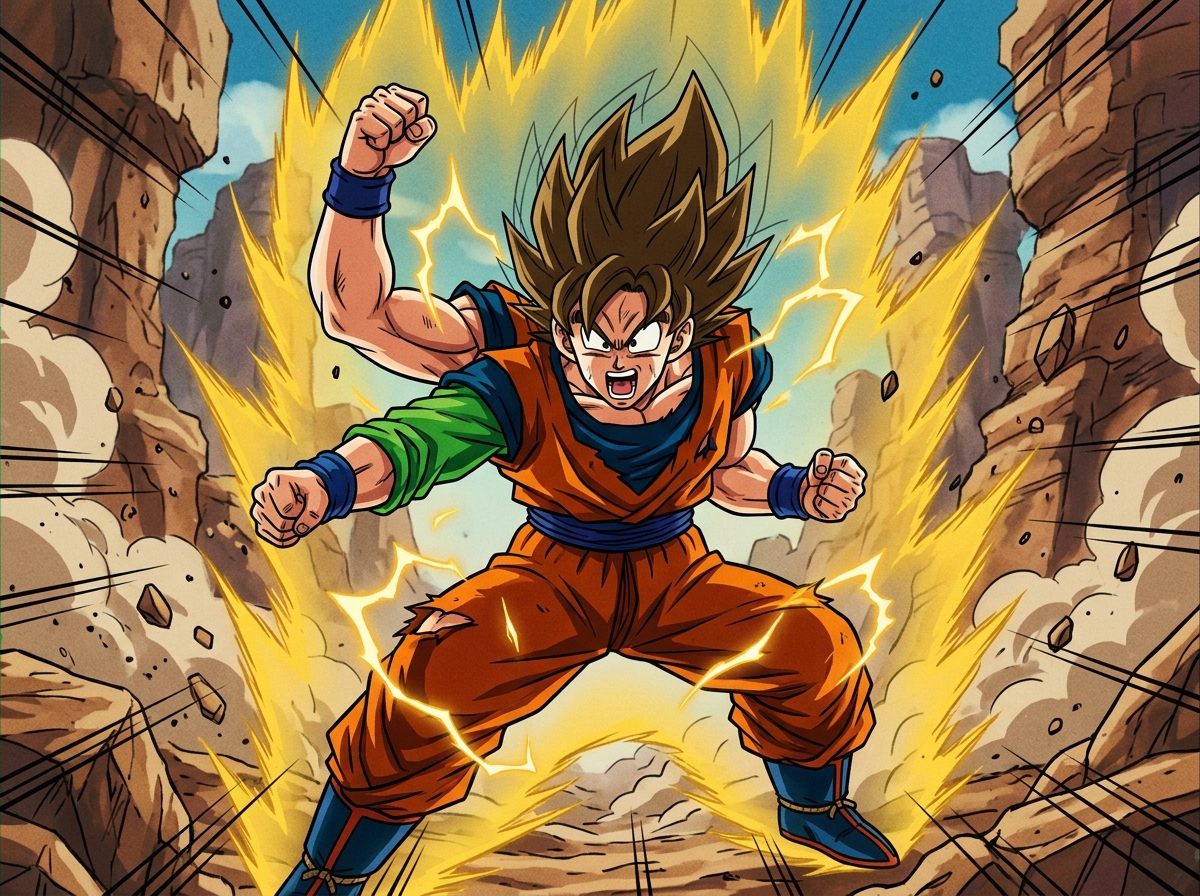
We can spot documented, fan-identified Dragon Ball Z errors by watching for brief changes in clothing, armor, and hair from one shot to the next. The clues are small, but each example gives us a specific detail to follow. Some were corrected in Dragon Ball Kai, while others remained.
Clothing: Start by checking colors and small details on a character’s outfit. In episode 28, a yellow stripe disappears from one of Goku’s boots, and Dragon Ball Kai corrected the drawing. [Dragon Ball Z episode 28]
- After Goku removes his gi top in episode 89, his blue clothing appears orange and his torso appears blue in one shot. The error remains in Dragon Ball Kai. [Dragon Ball Z episode 89]
- In episode 93, Krillin’s arms appear blue as he gives energy to Piccolo. Dragon Ball Kai episode 46 corrected the mistake. [Dragon Ball Z episode 93]
The boot stripe is a missing detail, while the other moments are color slips. Checking a character’s usual colors can make a quick change easier to catch, even when it appears in only one shot. [Dragon Ball Z episodes 28, 89, and 93]
Armor: Armor is another clear place to look because an unexpected color can stand out against the rest of an outfit. In episode 31, Vegeta’s glove is blue in one shot, and part of his armor appears white in another. Dragon Ball Kai corrected the armor-color error. [Dragon Ball Z episode 31]
In episode 49, part of Dodoria’s armor is miscolored, and Vegeta is also miscolored in the sequence. Dragon Ball Kai redrew the sequence. [Dragon Ball Z episode 49]
These two examples offer different visual clues: an unexpected color on Vegeta’s gear in one episode, and errors affecting both Dodoria’s armor and Vegeta in another. The fan-identified notes also say whether Kai changed each scene, which helps us distinguish the original episode from the later version. [Dragon Ball Z episodes 31 and 49]
Hair: A character’s hair can be as noticeable a clue as clothing or armor. In episode 185, Vegeta’s hair briefly turns black while he is a Super Saiyan. Dragon Ball Kai episode 93 corrected the error. [Dragon Ball Z episode 185]
These episodes feature brief drawing or coloring slips, not changes to the story. Tracking one visible feature, such as a boot stripe, a glove, or hair color, makes each fan-identified error easier to follow. [Dragon Ball Z episodes 28, 31, 49, 89, 93, and 185]
How Do Errors Change Between Shots?
Errors are easiest to spot when adjacent shots differ in a character’s damage, clothing, or an object’s details. A quick return to the correct design can make a mistake feel like a flicker, while a missing item or a few wrong letters may be visible only when viewers pause the scene.
In Dragon Ball Z episode 25, Tien’s attack breaks Nappa’s armor, but the armor looks intact for a few quick shots before appearing broken again. Compare the shots just before the attack, the brief intact shots, and the shots that follow. The damage changes and then returns, rather than becoming a lasting design change. At normal speed, this short switch can pass like a visual flicker. [Dragon Ball Z episode 25]
Krillin’s brief flight without his armor in episode 87 is another moment to compare with the shots on either side. Check the neighboring views to see whether the missing armor is limited to that brief moment or continues through the sequence. The error also remains in Dragon Ball Kai, so watching Kai does not remove this particular detail. Its continued presence in another edition does not turn a brief visual slip into a story change. [Dragon Ball Z episode 87]
Trunks’s time machine in episode 194 offers a different kind of clue: its lettering reads “Capsule Coop” instead of “Capsule Corp.” Nearby shots help show when the label is visible, but the error may be easy to miss while the scene is moving. Pause on the machine and compare the letters closely. Unlike Nappa’s armor, this typo is not a change in damage or clothing between shots. [Dragon Ball Z episode 194]
When comparing shots, separate what changes from what simply becomes easier to see. If a character’s design differs in one shot and returns to its usual appearance in the next, that points to a brief slip. If an object’s lettering is readable only in a particular view, pausing can reveal a mistake that was present all along, rather than something that flickered into place. These details are fun to catch without making an entire episode seem unusable.
Why Do Dragon Ball Errors Look Different?
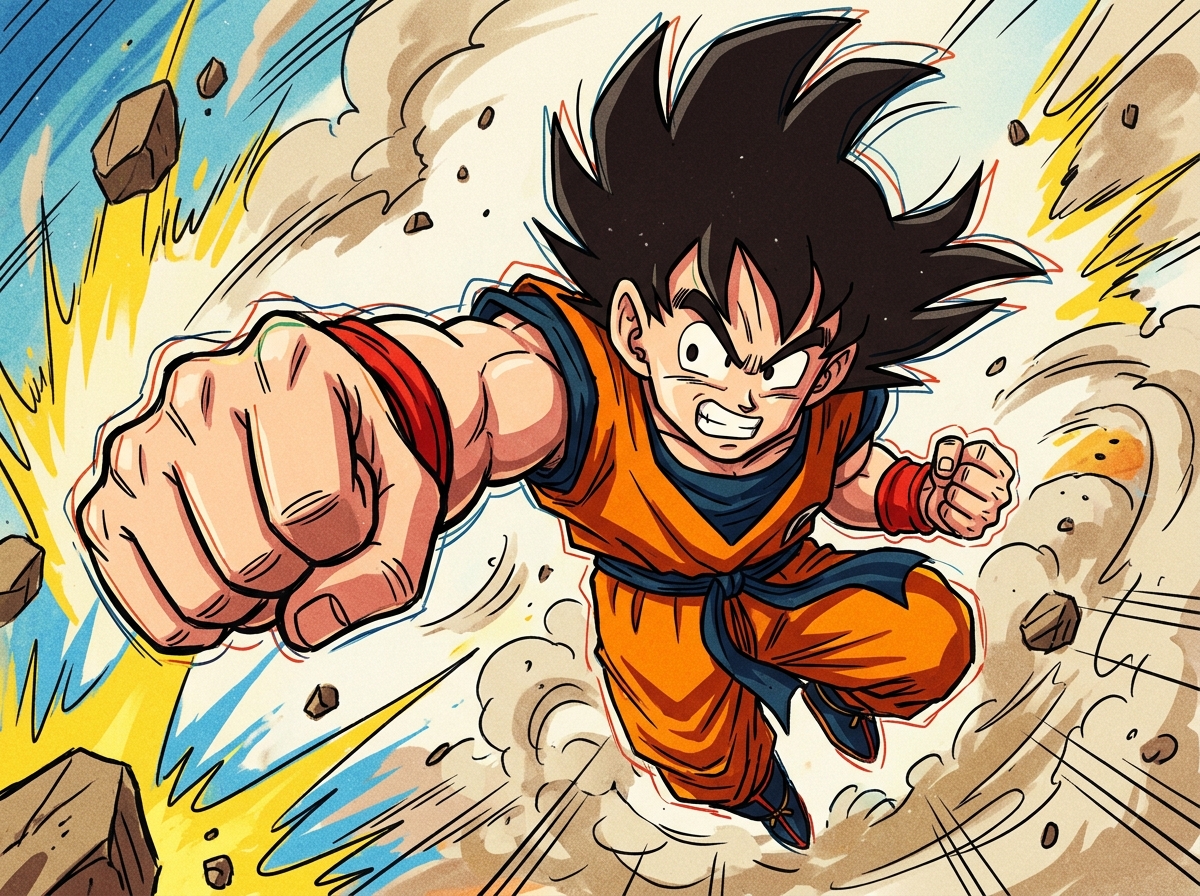
The same scene can look different across editions because Dragon Ball Kai corrected some fan-identified animation errors but left others unchanged. A screenshot from Dragon Ball Z does not always match one from Kai, even when both show the same moment. The changes were selective, not a complete cleanup.
Some slips were corrected. In Dragon Ball Z episode 28, a yellow stripe is missing from one of Goku’s boots, but Kai corrected the boot detail. [Dragon Ball Z episode 28] Kai also corrected armor-color errors in episodes 31 and 49. Episode 31 includes a blue glove and a white section of Vegeta’s armor, while episode 49 miscolors parts of Dodoria’s armor and Vegeta. [Dragon Ball Z episodes 31 and 49]
Other mistakes remained. Krillin briefly appears without his armor in Dragon Ball Z episode 87, and the missing armor is still visible in Kai. [Dragon Ball Z episode 87] Goku’s colors are also wrong in one shot of episode 89: his blue clothing appears orange, and his torso appears blue. That color slip remains in Kai, too. [Dragon Ball Z episode 89]
There are more examples. Krillin’s blue arms in Dragon Ball Z episode 93 were corrected in Dragon Ball Kai episode 46. [Dragon Ball Z episode 93; Dragon Ball Kai episode 46] Vegeta’s hair briefly turns black while he is a Super Saiyan in Dragon Ball Z episode 185, and this was corrected in Kai episode 93. [Dragon Ball Z episode 185; Dragon Ball Kai episode 93] These examples show why it helps to check both the original episode and its Kai counterpart instead of assuming every error was handled the same way.
A screenshot can make an error seem fixed or unchanged simply because it comes from a different edition. Comparing Dragon Ball Z episode 93 with Kai episode 46 shows a correction, while comparing episode 87 with Kai shows a slip that remained. This distinction matters when fans discuss whether a particular image changed, since a claim about Kai may not apply to the original broadcast version. [Dragon Ball Z episodes 87 and 93; Dragon Ball Kai episode 46]
Before deciding that a mistake was fixed or left unchanged, identify the series and release shown in each image. Note whether a screenshot comes from Dragon Ball Z or Dragon Ball Kai, and make sure both images show the same scene. That context can prevent two accurate screenshots from seeming to contradict each other.
Why Is Dragon Ball Super Animation So Bad?
The question of whether Dragon Ball Super animation is bad expresses a broad opinion, not a specific kind of animation error. A viewer may dislike the overall look of a sequence, while a frame-level error is a clear slip in a drawing, color, or detail that changes unexpectedly.
A scene’s overall look can prompt several different judgments: the movement may feel stiff, a shot may look awkward, or the drawings may seem uneven across the sequence. Those impressions can be worth discussing, but they differ from pointing to one image where a character’s design briefly changes and then returns to normal. Calling a scene bad does not, by itself, identify a particular drawing or coloring mistake.
A December 2015 report said some scenes in Dragon Ball Super episode 5 were improved for the Japanese DVD and Blu-ray release, citing comparison images shared by a Japanese Twitter user. This describes a comparison between the broadcast and home-release versions of one episode, not a verdict on the series as a whole. [Dragon Ball Super episode 5]
The distinction matters because a changed scene and a negative reaction are different claims. The report describes changes visible between versions, while a viewer’s complaint about the animation may concern an entire sequence or just one distracting moment. Neither kind of comment automatically identifies a frame-level slip. [Dragon Ball Super episode 5]
When discussing a specific scene from episode 5, identify whether the image comes from the broadcast or the Japanese home release. Comparing the two versions can show whether a detail changed after broadcast and keep the discussion focused on the scene and edition being examined. [Dragon Ball Super episode 5]
Revised scenes in one episode should not stand in for every episode of Dragon Ball Super. A claim about a particular shot needs its own example, while a judgment about the series’ overall look is broader than a report about changes to selected scenes. [Dragon Ball Super episode 5]
Which Movie Edits Were Officially Documented?
Toei Video officially documented visual edits in Dragon Ball Movies Blu-ray #06, noting changes in scenes from Bio-Broly and Fusion Reborn. Its January 25, 2019 notice concerns a set released on December 5, 2018, and identifies the edits by their approximate positions on the Blu-ray. The notice records specific changes to a named release, rather than giving a franchise-wide list of animation errors. Read Toei Video’s release notice for the official details.
The notice places two visual edits at about 35:50 and 35:57 in the Bio-Broly Blu-ray scene, and another at about 41:02 in the Fusion Reborn Blu-ray scene. These times refer to scenes on the Blu-ray, not episode numbers or general timestamps that apply to every version of the movies. Naming the release and scene alongside each time keeps the note clear and specific.
This record is an example of an officially noted release change: The notice names the Blu-ray set and gives approximate locations for its visual edits. The episode examples elsewhere in this article are in a different category. They are fan-identified errors recorded in a reference, not changes listed in this movie Blu-ray notice.
The distinction matters when describing what viewers spot. Fans can identify a brief color or drawing slip in an episode, while a release note can document an edit made to a particular home-video edition. Both can help explain why images differ, but they are different kinds of records. The notice documents three movie-scene locations on one set, while the episode examples are attributed to a fan reference and cover separate animated material.
How Can You Check A Suspected Error?
We can check a suspected error with a short, repeatable comparison: identify the version, examine nearby frames, and describe only what changes on screen. A clear example gives other fans something specific to compare.
- Record the series, episode, scene, and version you’re watching. Note whether it is Dragon Ball Z, Dragon Ball Kai, a broadcast, or a home release. Don’t compare an original broadcast directly with a later edition as if the images must be identical.
- Pause just before and just after the suspected mistake, then check the frames around it. Does the character, clothing, or color return to its usual appearance? In Dragon Ball Z episode 25, for example, compare Nappa’s armor across the shots around Tien’s attack to see whether its appearance changes briefly and then returns. [Dragon Ball Z episode 25]
- Write down exactly what changes. “A piece of armor is missing in one shot” or “the color shifts briefly” is more useful than calling an entire episode bad. Keep separate details separate, too: a drawing change is not automatically a story inconsistency.
- Share the scene details and, when possible, a clear image or a short description of the exact moment. Invite other fans to compare the same scene and version, and note where your observations agree or differ.
Careful wording leaves room for a second look. A detail that seems like an error in one edition may appear differently in another, and a precise description makes that distinction easier to discuss.
Keep An Eye On The Next Frame
For your next check, make a short movie-edit log. If you’re watching Dragon Ball Movies Blu-ray #06, queue Bio-Broly and inspect the scene around 35:50, then the scene around 35:57. Watch each moment at normal speed first, then pause and write down the exact visual change you see.
Add a separate entry for Fusion Reborn around 41:02. Keep the three locations separate, and label each note with the movie title and Blu-ray set so another fan can find the same moment. Don’t guess what an edit was meant to fix; describe only what appears on screen.
If you share your findings, include the movie, timestamp, and a brief description of the frame. Ask other fans whether they see the same change at that location. If you’re watching a different edition, name it in your note rather than treating the images as identical. A focused comparison of one scene gives the discussion a clear place to start.
Frequently Asked Questions
1. Are Dragon Ball animation errors intentional?
A brief mismatch in a character’s drawing or color is generally treated as an animation slip, not an intentional change. Planned revisions between a broadcast and a later release differ from a mistake that flickers between shots.
2. Does Dragon Ball GT have animation errors?
Dragon Ball GT can be checked for animation errors, but the examples here do not identify a specific GT scene. To assess a suspected error, compare nearby shots and note the episode and version.
3. Can animation errors appear in Dragon Ball games?
Yes, Dragon Ball games can have visual glitches in their animation, but those are game issues rather than errors in anime footage. A useful report names the game and describes the exact moment.
4. Why is Dragon Ball the best anime?
Whether Dragon Ball is the best anime depends on personal taste. Fans may value its characters, battles, humor, or influence, while other viewers may prefer different series.

