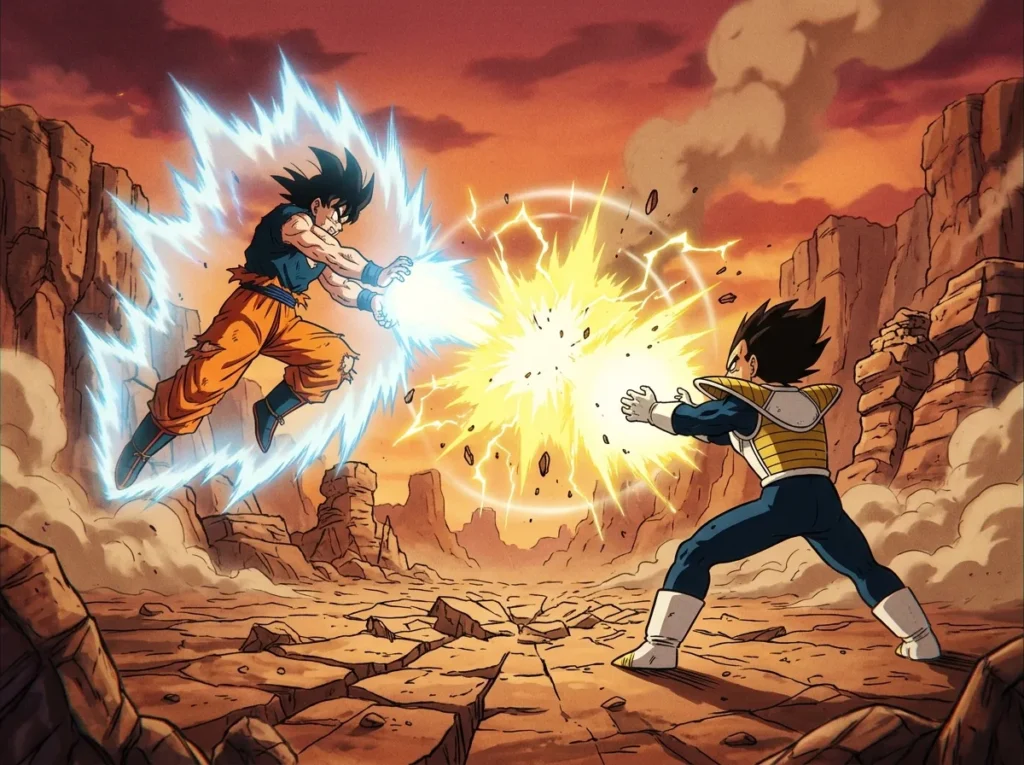
Sparking Zero custom battles let you build your own Dragon Ball fights from scratch, with your own rules, characters, and story beats. The mode lives in DRAGON BALL: Sparking! ZERO, which launched on October 11, 2024, for PlayStation 5, Xbox Series X|S, and Steam. It is separate from the ready-made Bonus Battles, so you can either edit one of those or start a blank scenario.
Normal editing gives you the most control. Each team can hold up to five battle characters, with a limit of ten battle and guest characters combined. Effect tables in Bonus Battles can hold up to three tables, but only one can be active at a time, so you decide which set of conditions runs in a given fight. When your battle is finished, you can test it, then save it or share it through the World Library.
Key Takeaways
- Sparking Zero custom battles let you build fights from scratch with Simple Edit or Normal Edit, or start from an existing Bonus Battle using Copy Edit, on PlayStation 5, Xbox Series X|S, and Steam.
- In Normal editing, each team in a Sparking Zero custom battle can hold up to five battle characters, and battle and guest characters combined cannot exceed ten.
- Bonus Battle effect tables can contain up to three tables, but only one table can be active during a given fight.
- Players who are new to the editor should start with Simple Edit, test the fight, and move to Normal Edit once they know which rules or scenes they want to change.
- Creators can share a finished Sparking Zero custom battle through the World Library after testing it, and each battle can use up to four thumbnail images and two search tags.
What Is Custom Battle Mode in Sparking Zero?
Custom Battle is a scenario-building mode in DRAGON BALL: Sparking! ZERO, and it is kept separate from the game’s ready-made Bonus Battles. It has two main parts: pre-arranged Bonus Battles that you can play or change, and an editor for creating original battles from your own ideas.
If you want a head start, you can take an existing Bonus Battle and change it with Copy Edit. This keeps the basic setup of a fight you already know while letting you swap in your own rules or characters. If you prefer a blank page, you can build a scenario from scratch using either Simple Edit or Normal Edit.
The editor lets you shape almost every part of a fight. You can choose your team, and Free Choice lets you pick your own team characters. Guest characters can appear in event scenes but cannot fight, and Secret Character hides who shows up. You can also set the stage, the background music, a time limit, and whether stepping out of bounds causes a loss. Restrictions such as disabling Switch Outs or Transformations are available too.
Presentation is where your battle starts to feel like a story. You can assign different opening, ending, win, and loss scenes, and you can customize the title screen’s text, images, and music. Each custom battle can use up to four thumbnail images that cycle on screen, plus up to two search tags to help other players find it.
The game launched on PlayStation 5, Xbox Series X|S, and Steam, and the editor is part of that same package. Updates have kept adding to it. A December 12, 2024 update added alphabetical sorting for text, a January 20, 2025 update added more situations, effects, and text, and a May 2026 update added new 2D cut-ins and text to Custom Battle.
Should You Copy Edit a Bonus Battle or Start From Scratch?
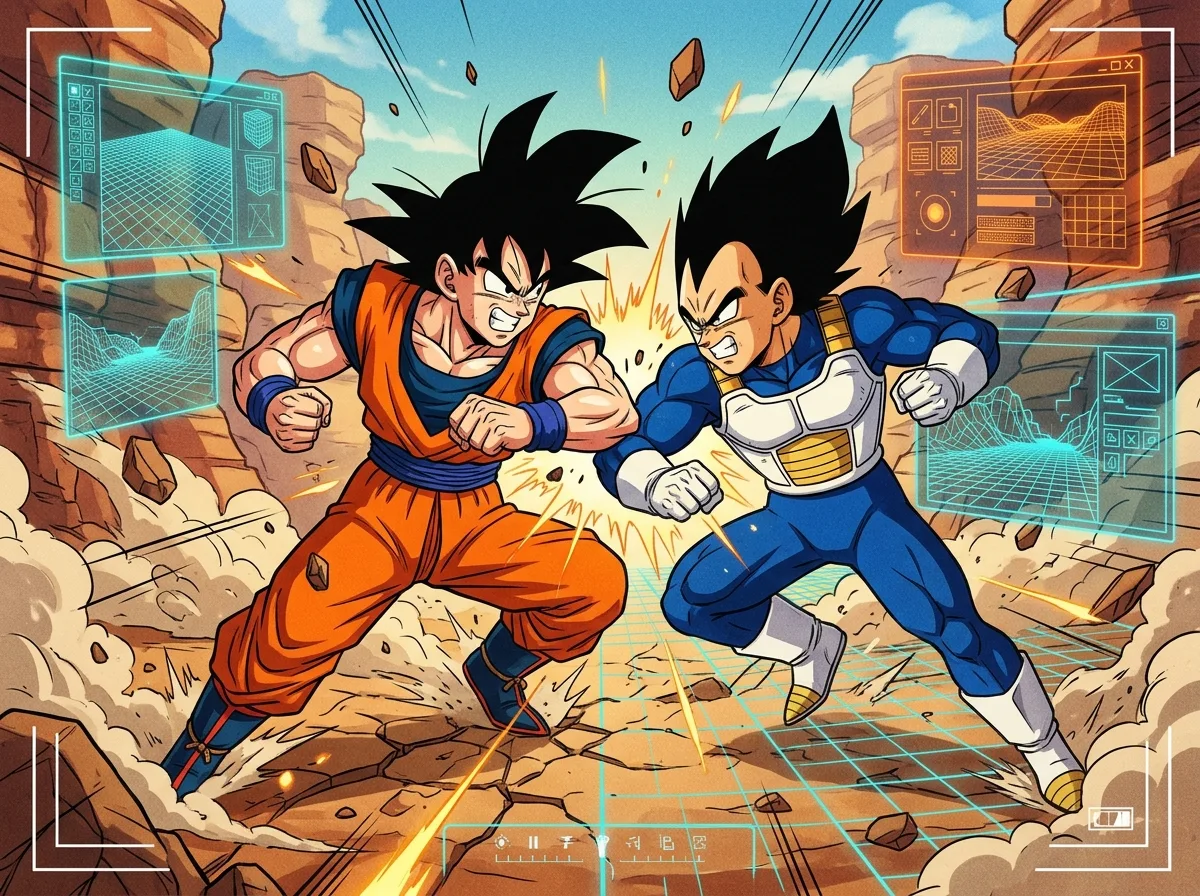
You can do either. Copy Edit starts from an existing Bonus Battle and lets you change it, while building from scratch gives you a blank setup in Simple Edit or Normal Edit. The right choice depends on how much of the idea you already have in mind.
Bonus Battles are pre-arranged scenarios that come ready to play. Think of them as templates. Each one already sets the characters, stage, and rules, so you can see how a finished fight is put together before you change anything. Playing a Bonus Battle as it is and building your own battle are separate paths, so you can enjoy the ready-made fights without ever opening the editor.
Copy Edit suits players who want a head start. If you like a particular fight but want a different ending or a new rule, you can begin there and change only the parts you care about. Starting from scratch suits original concepts, such as a rivalry that never happened in the series or a three-way clash you have been imagining for a while.
Simple Edit is the lighter path. It works from a template and gives you settings for characters, battle environment, title screen, and thumbnail. Once those are set, you can test-run the battle, then save it or delete it if it does not feel right.
Normal Edit gives you far more room. You choose your own team layout, set conditions, and shape how each fight unfolds, which makes it a better fit for ideas that do not resemble any existing Bonus Battle.
Simple Edit Versus Normal Edit: Which Should You Pick?
Simple Edit is the faster, template-based option, while Normal Edit gives you deeper control over rules, effects, and scenes. Both start from a blank scenario, but they ask for very different amounts of work.
Simple Edit does much of the planning for you. You choose the characters, the battle environment, the title screen, and the thumbnail, and the template handles the rest. With fewer choices to make, you can put a working fight together in one sitting, which makes it a good way to learn how the editor feels.
Normal Edit offers a longer, more detailed set of options. Along with the basics, it lets you set rules, attach effects to specific conditions, and decide how each scene plays out. Compared with Simple Edit, Normal Edit adds:
- Conditional effects that trigger dialogue, forced character switches, or CPU-level changes during a fight
- Forced transformations that begin once the conditions you chose are met
- Scene choices that shape the story around the battle
Whichever level you pick, you can test-run the battle before deciding what to do with it. Play through the fight, check whether the pacing and rules feel right, then either save it or delete it. Testing matters most in Normal Edit, because one poorly placed condition can change the whole rhythm of a match.
So which should you choose? Simple Edit suits quick builds, such as a one-on-one rematch you want ready in minutes or a rough test of an idea. Normal Edit suits players who want story-like moments, such as a rival who speaks up halfway through a fight or a fighter who transforms only after a trigger you designed yourself goes off. If you are not sure yet, start with Simple Edit, test the result, and move to Normal Edit once you know what you want to change.
How Many Characters Can Fit in One Custom Battle?
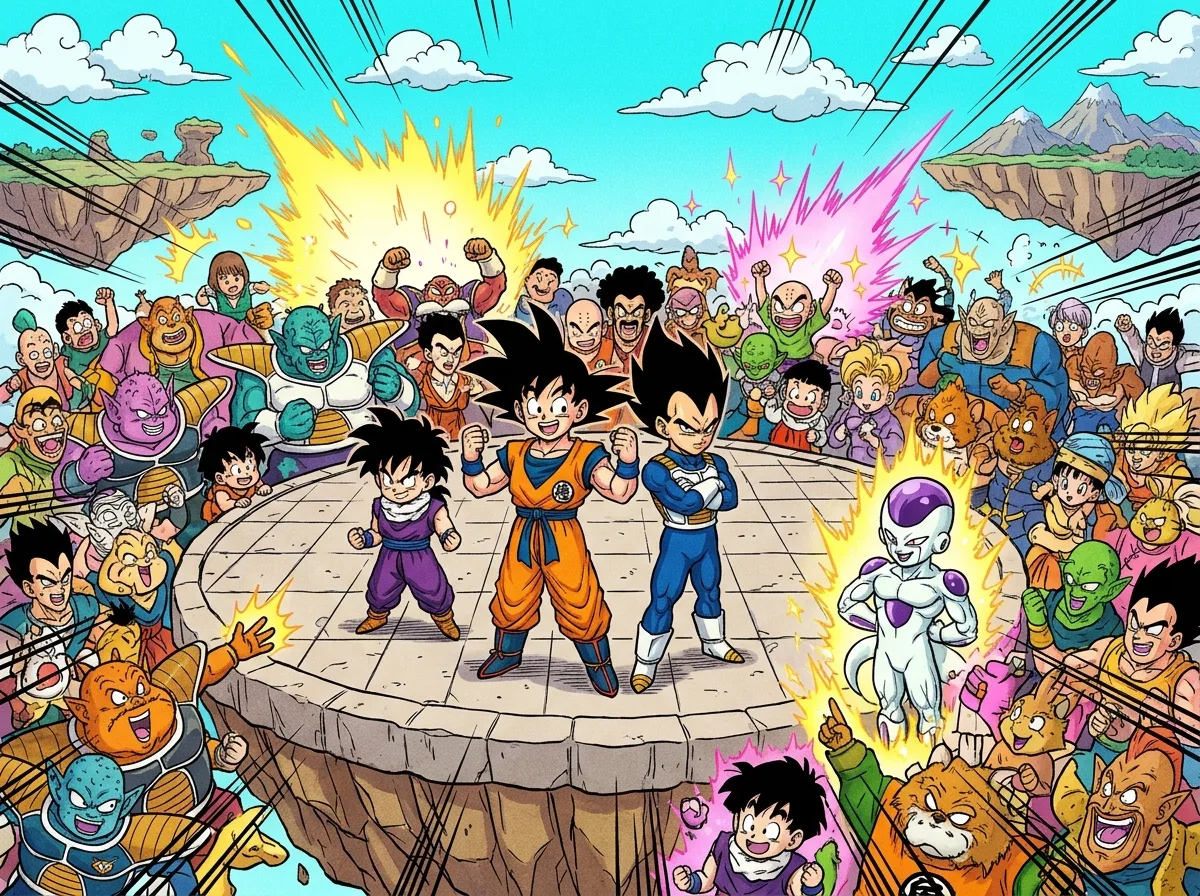
In Normal editing, each team can hold up to five battle characters, and the combined total of battle and guest characters in one scenario cannot go past ten. That limit shapes how you plan a fight, so it helps to decide early who needs to throw punches and who only needs to appear.
Battle characters are the fighters who take part in the match. Guest characters cannot fight, but they can appear in event scenes, such as a rival who walks in during the opening or a mentor who watches from the side. Every guest you add uses one of the ten slots, so a crowded story can leave less room for extra fighters.
Free Choice gives you control over your own side. Instead of locking your team to a fixed roster, it lets you select the characters who fight for you. You could build a team of Vegeta and Gohan to face a single enemy you have designed from scratch.
Secret Character works differently. It hides who appears on screen, so the identity of a fighter stays unknown until the moment you choose to reveal it. This is useful for a mystery opponent who only steps in after a trigger you set up.
Before opening the editor, write your team list on paper. Count the battle characters first, add any guests, and check that the total stays at ten or fewer.
How Do Trigger Conditions and Effect Tables Work?
A trigger condition is the event that starts an effect during a fight, and an effect is what happens once that event occurs. In Normal editing, you link the two together, so a battle can change while it is being played instead of running the same way from start to finish.
Effects can do four main things. They can trigger dialogue between fighters, force a character switch so a new fighter takes over, change the CPU level so the computer opponent becomes stronger or weaker, or force a transformation once your chosen condition is met. For example, you could set a rival to speak up after a certain number of hits, then force a transformation on the next trigger.
Effects are grouped into effect tables. In Bonus Battles, an effect table can contain up to three tables, but only one table is active at a time. That means you can prepare alternate sets of conditions without having them all fire in the same fight, so you choose the set that suits the story you want to tell.
The environment settings shape the match around those effects. The stage sets the place where the fight happens, and the background music sets its mood. The time limit caps how long the match can run, and the out-of-bounds setting decides whether stepping outside the arena ends a fighter’s chance to win. Restrictions such as disabling Switch Outs or Transformations take away options that players would normally have.
Special match settings and conditional wins decide how the battle ends. A time limit or an out-of-bounds rule can settle a fight without a knockout, and the win and loss scenes you assign tell players what happened. Check that your effects and restrictions agree with each other. A forced transformation makes little sense if transformations are switched off, and a forced switch can be undone if switch outs are disabled.
How Do You Share a Battle in the World Library?
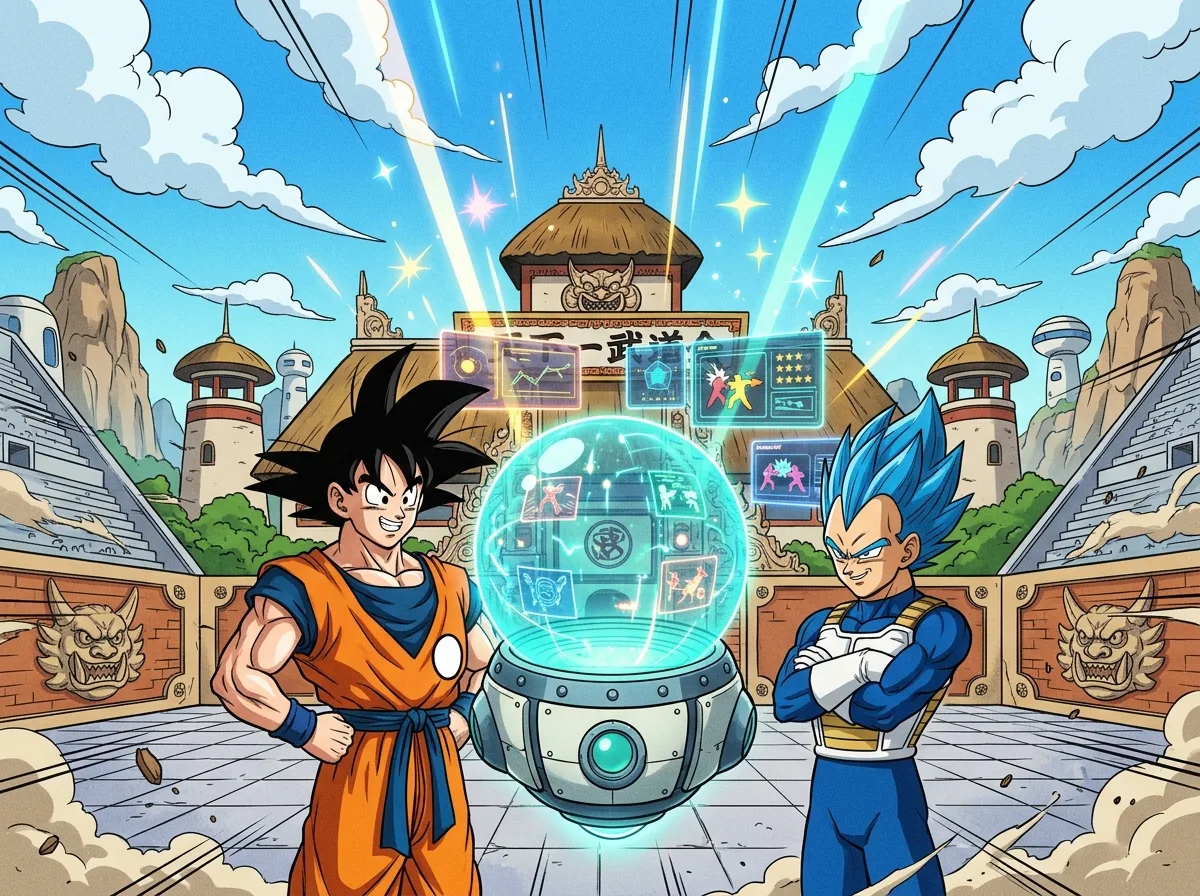
You share a custom battle by finishing it, testing it, and then uploading it to the World Library, the online platform where players share and download scenarios. Before that step, you decide how the battle looks and sounds from the first screen to the final result.
Start with the scenes. Creators can assign different opening, ending, win, and loss scenes. A rivalry might open with a tense standoff, then show one ending if the challenger wins and another if the challenger loses.
Next, customize the title screen. You can change its text, images, and music, which sets the mood before anyone presses a button. A dark image paired with slow, tense music suggests a serious story, while bright artwork and upbeat music signal a lighter rematch.
Thumbnails and search tags help other players find your battle. A custom battle can use up to four thumbnail images that cycle on screen, so you can rotate through your main characters or a key moment. You can also add up to two search tags, such as a fighter’s name or a theme like “rematch,” so browsers can spot your scenario quickly.
Once the battle is ready, test it, then save it or share it. The World Library is where shared scenarios live, and it is also where you can download battles made by other fans to play and study.
The editor has grown since launch. A free update on December 12, 2024 added alphabetical sorting for text in Custom Battle Mode, which makes long text lists easier to scan. A January 20, 2025 update added more situations, effects, and text that players could set in Custom Battle. A May 2026 update then added new 2D cut-ins and text to the mode, giving your scenes a bolder look.
Building Your First Custom Battle Step by Step
Start with one idea you can describe in a single sentence. For example: “Goku and Piccolo face a designed rival who joins after the first knockdown.” That sentence tells you the team sizes, the enemy, and the trigger, so you know which settings to open first.
Next, open the editor and choose Simple Edit for your first build. Pick your characters, then set the stage, the background music, and the time limit. Keep the title screen basic for now, with one image and one line of text, so you can focus on how the fight plays.
Then run a test. Play the whole match once and note where it drags or where a rule feels unfair. Save the version that works and delete the drafts that don’t.
Once the basic fight runs smoothly, reopen it in Normal Edit and add one conditional effect, such as a single forced transformation with a clear trigger. Test again after every change, because one new condition can shift the pace of the whole match.
When the scenario feels finished, add your thumbnail images and search tags, then share it through the World Library. Before you upload, download a battle from another player and look at how they arranged their opening and ending scenes. That comparison will show you what your own scenario still needs.
Frequently Asked Questions
1. Can you make a 2v2 battle in Sparking Zero Custom Battle?
Yes, a 2v2 battle fits easily in Normal editing because each team can hold up to five battle characters. Two fighters per side still leaves room under the ten-character total for a guest or two in event scenes. A 5v5 battle is also possible, but it would use all ten slots and leave no room for guests.
2. Can you combine a Bonus Battle template with your own custom rules in Sparking Zero?
Yes, Copy Edit starts from an existing Bonus Battle, and you can swap in your own rules or characters while keeping its basic setup. Bonus Battle effect tables can hold up to three tables, but only one of them is active at a time. That means you can prepare alternate sets of conditions and pick the one that fits the fight you want to create.

